 Nguyễn Tuấn Thanh
Screenshots
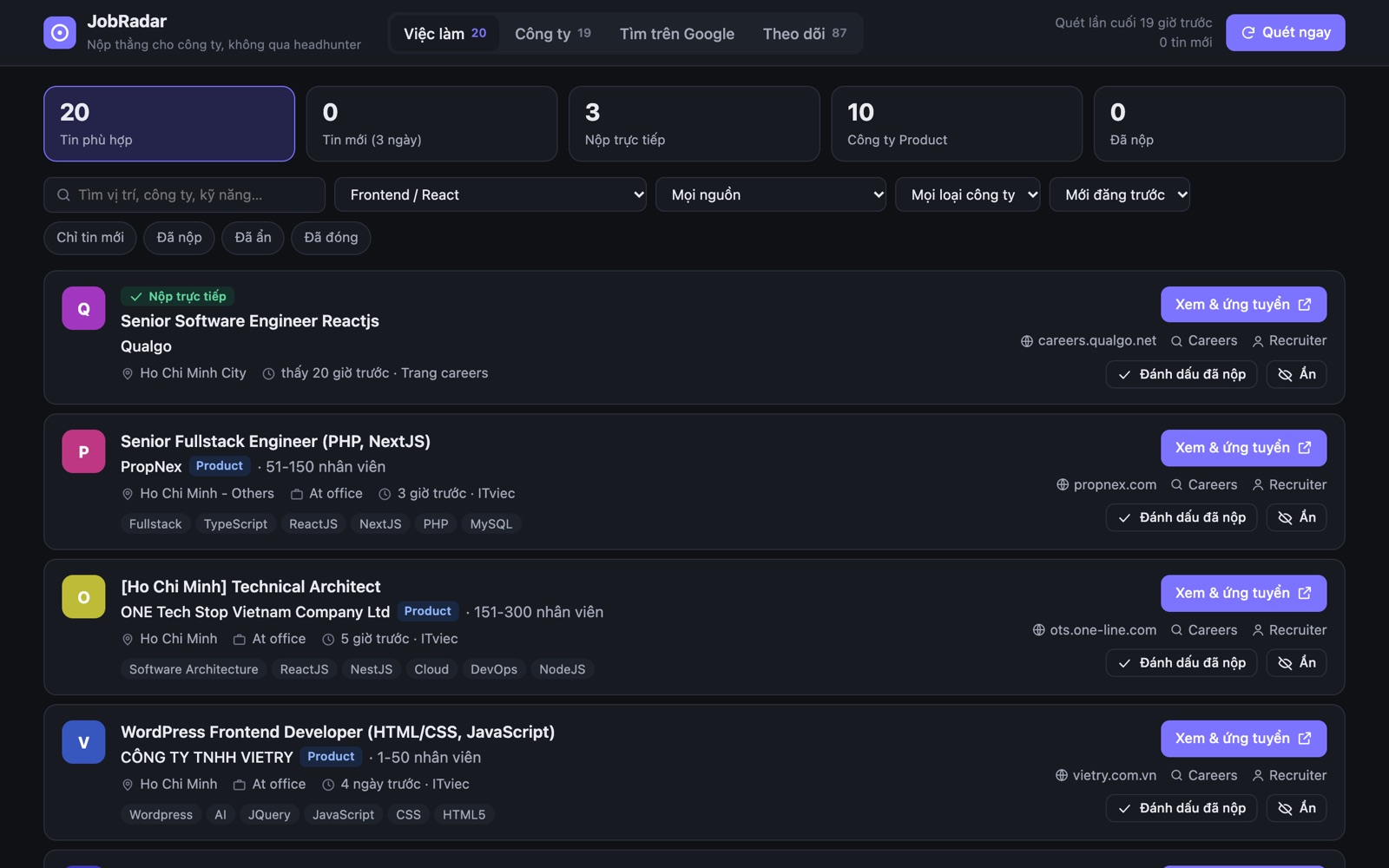
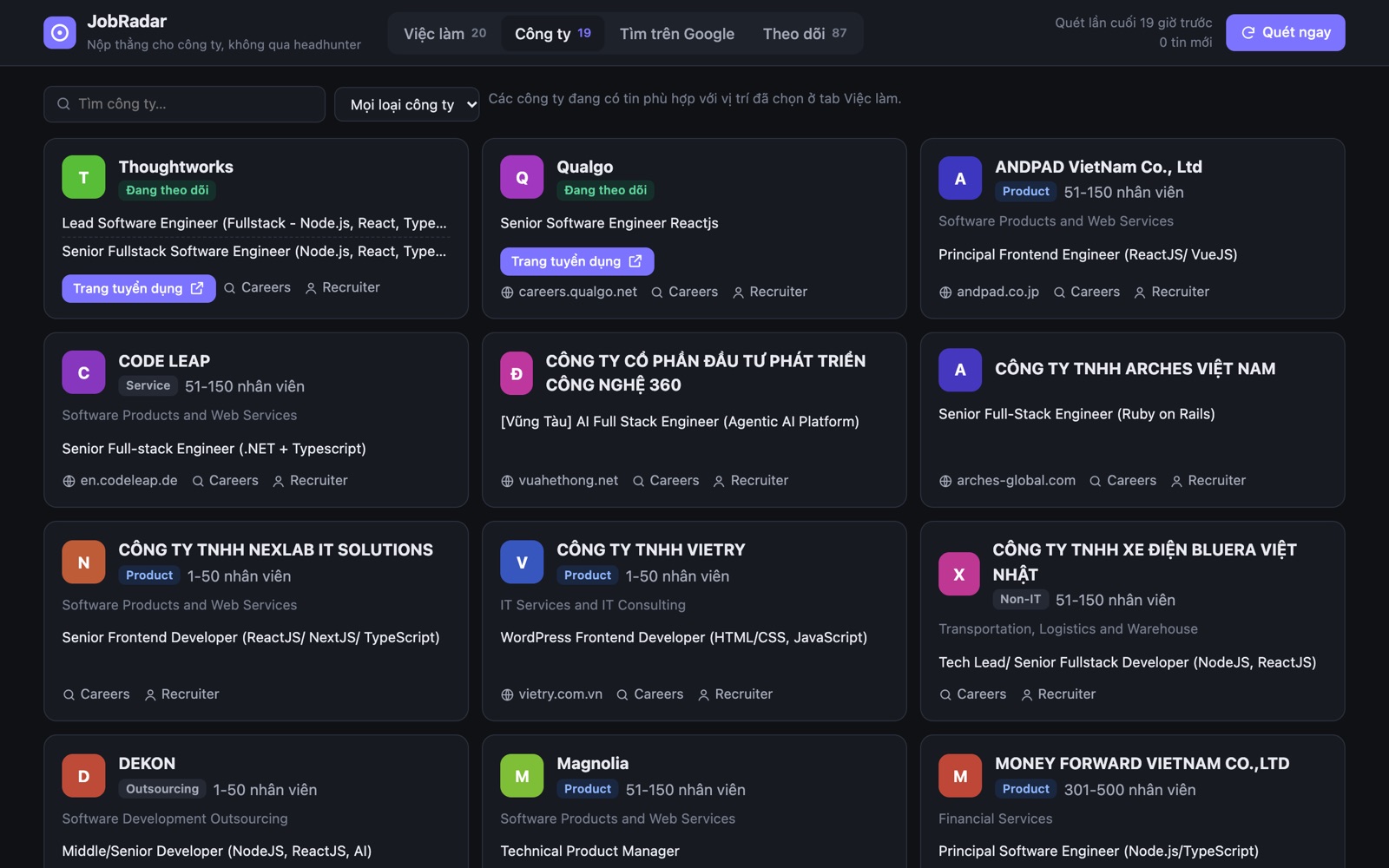
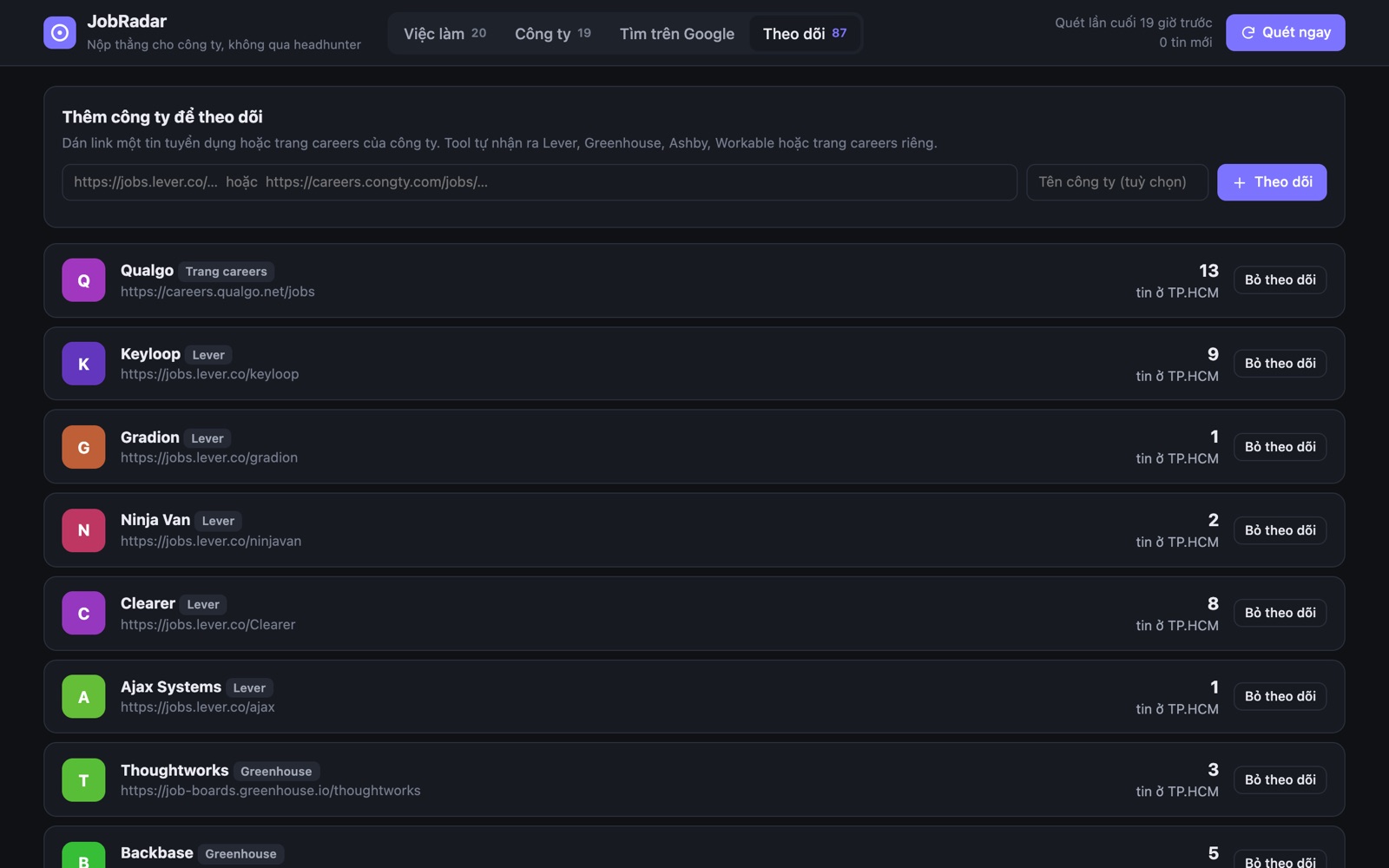
JobRadar scans ITviec, TopDev and the careers pages of about 87 companies in Ho Chi Minh City, then shows every matching job in one place, so you can apply on the company's own page instead of going through a recruiter.
Out of the box it looks for Frontend and React roles in Ho Chi Minh City. Add a profile for any other role, such as Backend, Mobile or Data, and it searches for that too.
Features
Reads nine hiring systems
Lever, Greenhouse, Ashby, Workable, SmartRecruiters, Recruitee, Breezy, BambooHR and Workday, plus hand-built careers pages, including WordPress and Next.js sites.
Only new jobs look new
Remembers when each job first appeared and marks it closed when it disappears, so the New label means new.
Follow any company
Paste a job link or a careers page. JobRadar recognises the kind of page and adds the company to every scan.
Polite scanning
Spaces out requests to each site and backs off when a site asks it to, so scans don't get blocked. A full scan of about 87 companies takes around two minutes.
Built for the next step
Each job has quick links to the company's careers page and its recruiters on LinkedIn, and you can mark jobs as applied or hidden.
Everything in one app
Node.js comes bundled inside, so there's nothing else to install. Your data stays on your Mac.
How it works
- 1Open JobRadar. It starts its own local server on a free port and stops it when you quit.
- 2Press Scan now (⌘K). The first scan records the jobs that are already open.
- 3From then on, jobs that appear are labelled New for three days.
What's new
First release. Universal app with Node.js 26 LTS bundled, keyboard shortcuts, and a data folder you can open from the menu.
App privacy
JobRadar runs on your Mac and only contacts job sites. Your profiles, marks and history stay in ~/Library/Application Support/JobRadar.